
Achieving intricate patterns on leather goods has traditionally been hindered by high costs, lengthy production times, and design limitations when using conventional embroidery or heat transfer methods.
Today, UV printing on leather combined with UV stamping offers a fast and precise solution for high-end customization. It is widely used for luggage, footwear, handbags, and gift packaging.
How to finish UV Printing on Leather and Leather UV stamping
Step 1: Layer Design
In design software, separate the color printing area from the UV stamping area to prepare for subsequent operations.
Determine pattern details and custom UV stamp effect types (e.g., gold, silver, or holographic).
Step 2: UV Color Printing
Print the color pattern onto the leather surface using a 6090 flatbed UV Printer.
UV ink cures instantly, ensuring sharp patterns and vibrant colors while preserving the leather’s natural texture.
Step 3: Spot UV Coating
Print a UV varnish layer over the UV light stamp areas to create an adhesive base for the foil transfer.
Step 4: foil stamping Transfer
Place foil stamping transfer film over the varnished areas.
Apply heat to approximately 70°C using a heat press under appropriate humidity conditions to complete the foil transfer.
Achieve diverse foil colors and effects, including gold, silver, and multicolor holographic foils.
Post-transfer edges appear sharp with secure adhesion.
Step 5: Post-Processing Reinforcement
Optionally apply a protective film or perform a re-pressing treatment to enhance abrasion resistance and durability.
uv printing on leather for logo
UV Printing on Leather: Process and Printing Workflow
UV printing on leather is primarily divided into two process flows based on the leather’s base color: direct UV printing on white/light-colored leather and direct uv inkjet printer on dark-colored leather. The printing steps differ slightly for each base color to ensure optimal color reproduction and durability of the patterns.
Direct UV Printing Process for White (Light-Colored) Leather
White or light-colored leather surfaces offer high color fidelity for patterns, allowing direct full-color printing.
UV printing on leather process is as follows:
Leather Fixation and Surface Preparation
Secure the white leather flat on the head UV printer 6090 work surface, ensuring it is clean and free of dust or grease.
Direct Color Pattern Printing
Use the UV 6090 printer to print the full-color pattern directly onto the white leather surface without requiring a white ink base layer.
Varnish Reinforcement (Optional)
If the customer requires higher abrasion resistance, adhesion, or longevity for the design after completing the color printing.
Apply an additional layer of varnish using the uv prints.
To enhance the design’s scratch resistance, wear resistance, and overall durability.
Dark Leather UV Direct-to-Leather Printing Process
The printing process is as follows:
Leather Fixation and Positioning
Secure the dark leather onto the UV printing services platform, adjusting print height and positioning.
White Ink Base Layer
Apply a layer of UV white ink across the designated printing area to enhance color vibrancy for subsequent patterns.
Color Pattern uv sticker printer
Print the color pattern over the white base layer to achieve vibrant hues and clear tonal gradation.
Varnish Reinforcement (Optional)
For customers requiring enhanced pattern durability and longevity.
Apply a layer of UV varnish after pattern printing.
To significantly improve abrasion resistance and service life.
UV DTF on Leather: Cold Transfer Printing Process for Soft Materials
UV DTF on leather (UV Digital Cold Transfer Labels) is a cold transfer printing solution for leather and other soft materials.
It is widely used for customized footwear, bags, wallets, and various leather goods.
Application Features of UV Digital Cold Iron-On Transfers on Leather
UV digital cold iron-on labels utilize a cold transfer method, enabling direct application to various leather materials, including the following:
Upper leather
Bag leather
Wallet leather
PU leather, synthetic leather, and certain genuine leathers
The operation is straightforward: simply align, press, and peel the film to customize patterns on leather surfaces. This method is highly suitable for logos, small designs, and brand identifiers.
Printing and Transfer Process for UV DTF on Leather
The complete workflow is as follows:
UV Printing on Leather of Design
Print the design onto AB cold transfer film using a UV printer. The design structure typically includes:
- Color inks
- White ink
- Varnish
Utilize the specialized AB film structure:
- Base film (A film): Features an adhesive layer with unique properties and high flexibility
Top Film (B-Film): Used for pattern transfer and protection
Cold Transfer onto Leather Surface
Peel off the base film and apply the patterned side onto the leather
Press firmly back and forth several times with fingers or a soft squeegee to enhance adhesion
Peel off the Top Protective Film
Gently peel off the topmost layer
The pattern remains intact on the leather surface, completing the cold transfer application
Common Issues and Solutions for UV Printing on Leather: Preventing Cracking
When Leather UV Printer or soft materials, especially during autumn and winter, issues like cracking, peeling, or white lines appearing at bends may occur. The primary causes and solutions are as follows:
Inappropriate Ink Type
Standard rigid UV inks cannot accommodate the flexibility and stretch characteristics of leather.
Solution: Use specialized UV flexible inks or latex inks to ensure pattern integrity during bending, stretching, or thermal testing.
Environmental Factors
Excessively low indoor temperatures and insufficient humidity accelerate cracking.
Recommend maintaining a printing environment of 20–28°C (68–82°F) with 55%–65% humidity to ensure uniform ink curing.
Equipment Curing Parameters
Excessive or insufficient curing lamp power compromises ink adhesion and flexibility.
Adjust lamp power based on leather material and ink properties to achieve stretchable prints.
Material Selection
Soft, stretchable leather (e.g., TPU leather) printed with UV flexible ink can withstand bending and rubbing without cracking.
Key Tips Summary:
Select specialized UV flexible ink or latex ink
Control printing environment temperature and humidity
Adjust UV curing lamp power
Optimize printing solutions based on leather characteristics
Advantages of UV Flatbed Printing
High-Precision Patterns: Capable of printing on diverse materials including silk loops, tech fabric, PU leather, and PVC foam—all handled by a single machine.
Flexible Production: No minimum order quantity required—print as few as one piece. Patterns can be changed freely, making it ideal for small-batch customization.
Rich Colors & Natural Gradients: Overcomes the color limitations of traditional embroidery and heat transfer printing.
Preserves Material Texture: Retains the authentic feel of leather while adding a three-dimensional texture and premium visual appeal.

leather uv printer for image
UV Flatbed Printing Special Effects and Innovative Possibilities
White Ink Printing Capability:
· This is one of UV printing’s “ace features.” It allows printing a white base layer on dark or transparent materials before applying color patterns, ensuring vibrant and saturated hues. It can also be used for spot colors and raised effects.
- Varnish Effects:
· After printing, transparent varnish can be applied selectively or across the entire surface using the same equipment. This achieves specialized finishes like spot gloss, matte, or textured effects (e.g., frosted), elevating product quality and tactile appeal. - 3D Relief Effects:
· By layering white ink or varnish, tactile relief effects can be created. These produce visually striking and physically engaging three-dimensional embossed finishes.
Typical Application Scenarios
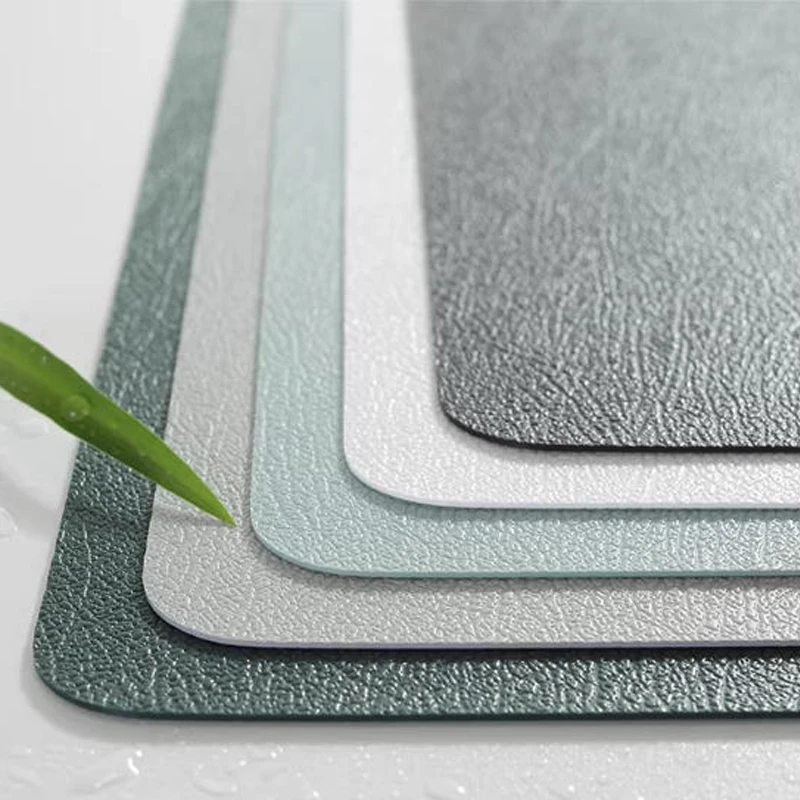
Customized leather floor mats, diatomaceous earth water-absorbing mats
Corporate logo or holiday-themed customization
Premium gifts, home decor, or exclusive designs for commercial events
Summary
Leather UV printing combined with UV stamping breaks through the limitations of traditional printing and embroidery, offering advantages such as high precision, rich colors, three-dimensional realism, and flexible production.
Using UV printing leather technology, achieving both color printing and foil stamping effects is effortless, meeting high-end application demands for small batches or single-item customization.
Simultaneously, selecting the right soft ink, controlling temperature and humidity, and optimizing curing parameters effectively prevent leather cracking and peeling, ensuring patterns remain durable and visually appealing.
FAQ
Can UV printing be done directly on leather?
Yes, UV printing can be applied directly to leather surfaces. For light-colored leather, full-color printing can be done directly, while dark leather typically requires a white ink base layer to ensure color accuracy and vibrancy.
Why does UV printing on leather crack or peel?
Cracking or peeling usually occurs due to using rigid UV ink, improper curing settings, or low temperature and humidity. Using flexible UV ink and optimizing curing parameters can effectively prevent these issues.
Do I need coating for UV printing on leather?
Coating is not always required, but applying a varnish layer can improve adhesion, scratch resistance, and durability, especially for high-use leather products like bags or footwear.
What is the difference between UV printing and UV DTF on leather?
UV printing is applied directly onto the leather surface, while UV DTF uses a cold transfer film to transfer the design. UV DTF is more suitable for logos and small designs, while direct UV printing is better for full-color patterns.
How to achieve foil stamping effect with UV printing on leather?
Foil stamping can be achieved by printing a varnish layer on selected areas, then applying foil transfer film with controlled heat (around 70°C). This creates metallic effects like gold, silver, or holographic finishes.